How to Use an AI Chatbot to Capture Leads and Book Appointments | My Toolbox Pro
Someone lands on your site, they have one question, and they want an answer fast. If they do not get it, they bounce and you never even learn their name.
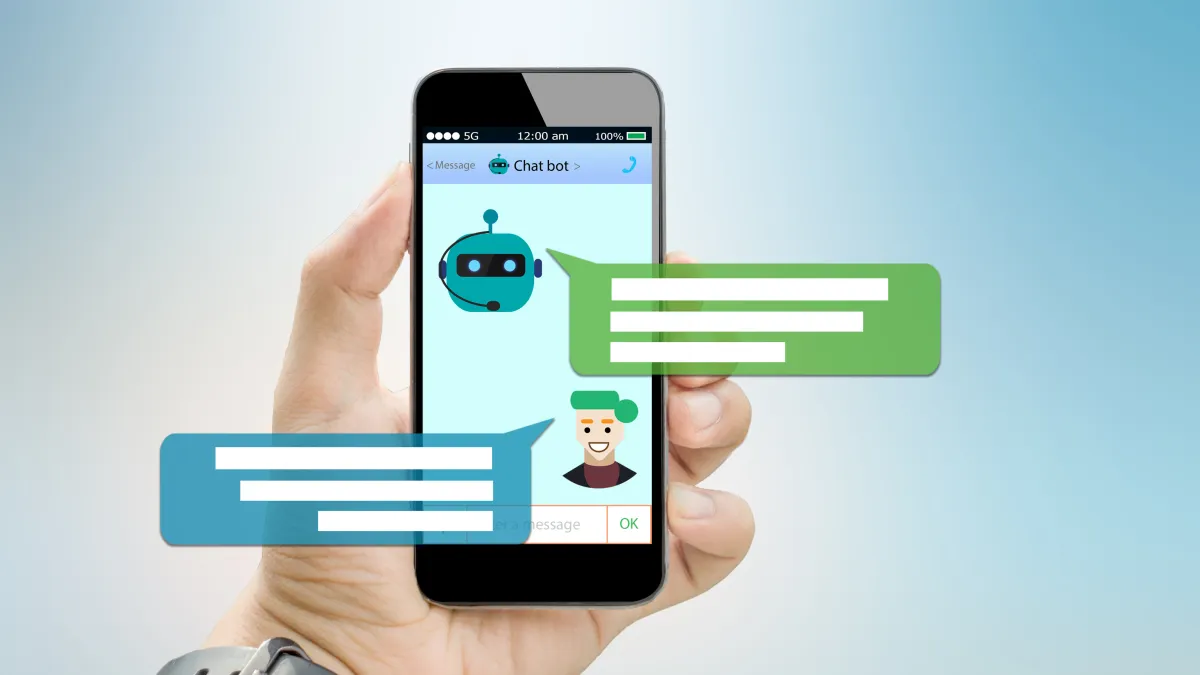
An AI chatbot fixes that by turning “curious visitor” into “warm lead” in one smooth conversation, then guiding them into your booking flow while the intent is still hot.
Why chat wins when people are deciding right now
Most website leads do not need a long sales pitch. They need quick clarity, a little trust, and the next step made easy. Speed matters because attention is short and people move on fast. SimpleTexting’s 2025 stats found 32% of consumers open texts within 60 seconds, and 82% check texts within five minutes, which is a good reminder that “later” is usually too late. (Source: SimpleTexting)
This is also where customer behavior is headed overall. Gartner predicts that by 2028, 70% of customer service journeys will begin and be resolved in conversational, third-party assistants built into mobile devices. (Source: Gartner) Even if you are not “customer service,” the expectation carries over: people want a conversation, not a scavenger hunt.
So your goal is simple: answer the question, capture a clean way to follow up, and offer booking as the natural next step.
Build the conversation around the three jobs the chatbot must do
A high-converting chatbot is not trying to be clever. It is doing three boring but powerful jobs: handle FAQs, capture contact info, and qualify the request enough to route it.
Start by scripting your “top question stack.” These are the repeated questions that block bookings: pricing ranges, availability, service area, what happens on the call, and whether you work with their situation. If the bot can answer those in plain language, you remove friction without adding pressure.
Then set up a contact capture moment that feels normal. Step 1: the bot helps first, then asks, “Want me to send this plus the next steps?” Step 2: it asks for name and best number or email. Step 3: it confirms permission before sending anything, especially if you will text. That permission step matters because you are building trust, not just collecting data.
Finally, add light qualification so your calendar stays clean. Step 4: ask one or two quick questions that determine fit, like location, service type, and urgency. Step 5: route them, either to booking, a callback, or a short follow-up sequence.
The bigger trend backs this up: Salesforce’s 2025 State of Service research points to more work being handled by AI, with AI resolution expected to keep climbing from a meaningful base in 2025. (Source: Salesforce)
Connect the chatbot to booking so it feels like one flow
The most common mistake is treating “chat” and “booking” like separate worlds. You want the handoff to feel like one continuous path.
That means the chatbot should offer booking right after it resolves the main question. It should not dump someone onto a calendar cold. Instead, it should do a quick micro-summary first, like “Based on what you shared, this sounds like a fit. The next step is a quick call to confirm details and options.” Then it presents booking as the easiest option, not as homework.
From there, the follow-through should happen automatically. If they book, they get confirmation and reminders. If they do not book, they get a short, polite nudge that continues the same conversation thread. This is where a chatbot plus automation is deadly in a good way: the system does not forget, and it does not get tired.
Gartner’s March 2025 prediction also highlights where this is going: agentic AI is expected to autonomously resolve a large share of common issues over the next few years, which is basically the same idea applied to your lead intake and scheduling. (Source: Gartner)
Keep it SEO-friendly by matching real questions and proving trust
For SEO, the secret is not stuffing keywords. It is answering the exact questions people are searching, using language they actually use, and making it easy for Google and humans to understand what the page is about.
When your chatbot script mirrors the questions on your page, your page stays aligned with search intent. That also supports stronger trust signals because you are consistent across the whole experience. In 2025, SEO is heavily shaped by credibility signals like E-E-A-T, which is basically “do you sound real, accurate, and trustworthy.” (Source: Search Engine Land)
Also, do not let the chatbot freestyle facts. Keep it grounded in your approved answers, and update those answers when pricing, policies, or availability changes. Accuracy is not just an SEO thing, it is a conversion thing.
And yes, measure it. Track: chat-to-contact rate, contact-to-booking rate, and no-show rate. If your chatbot is capturing leads but bookings are flat, the handoff wording is usually the problem.
When you are ready to put this into play, My Toolbox Pro can do this cleanly with AI chatbots, lead capture, automated follow-up, and booking workflows that stay connected from first message to scheduled appointment. If you want, book a quick demo and we will help you map your exact chat flow so it turns browsers into booked calls.
Explore My Toolbox Pro today.
For more stories and insights, visit My ToolBox Pro Hub.


